Forge Module Explorer — User guide
Overview
The app shows which Forge modules are available on the current Jira or Confluence screen right
now.
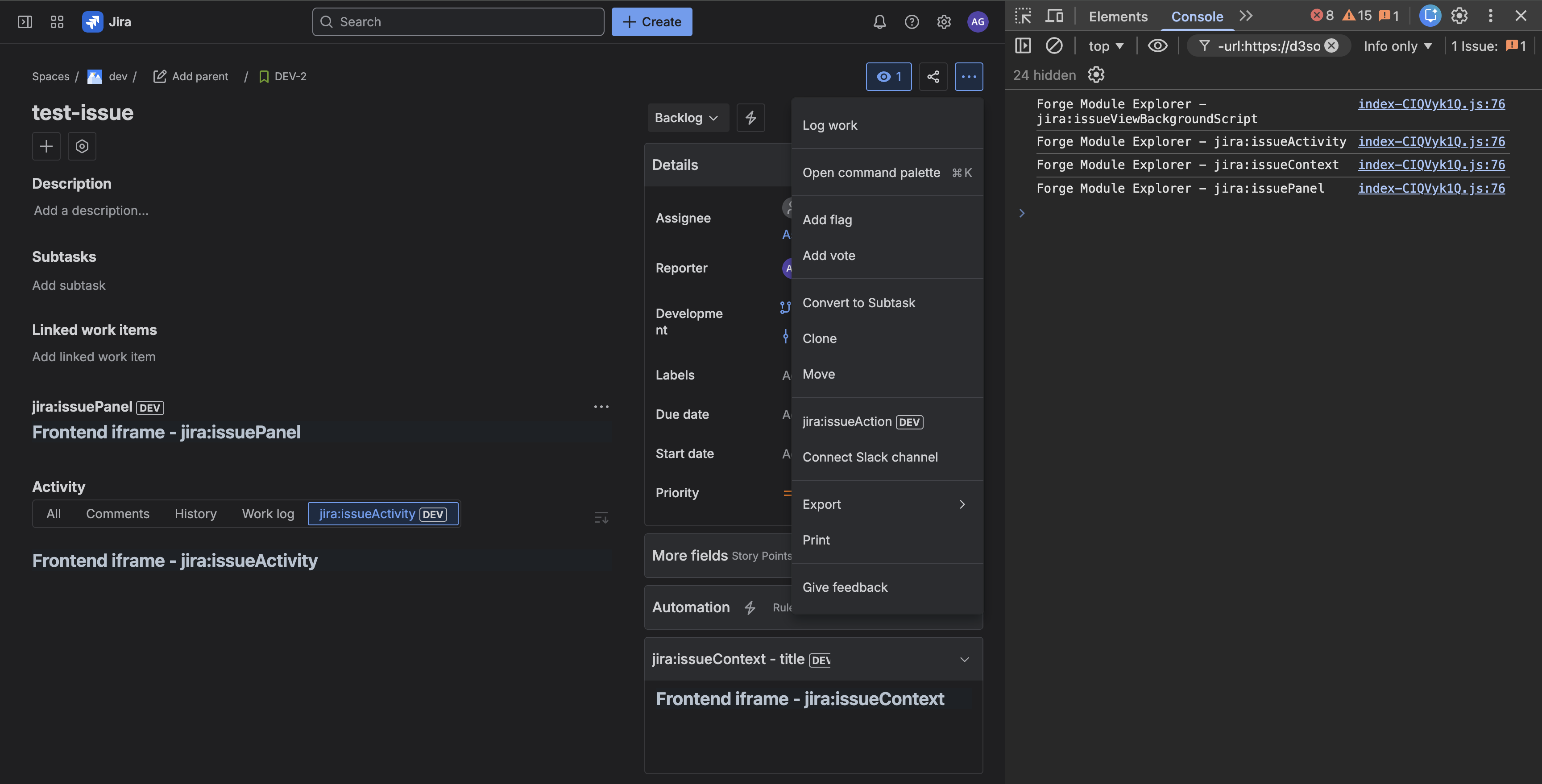
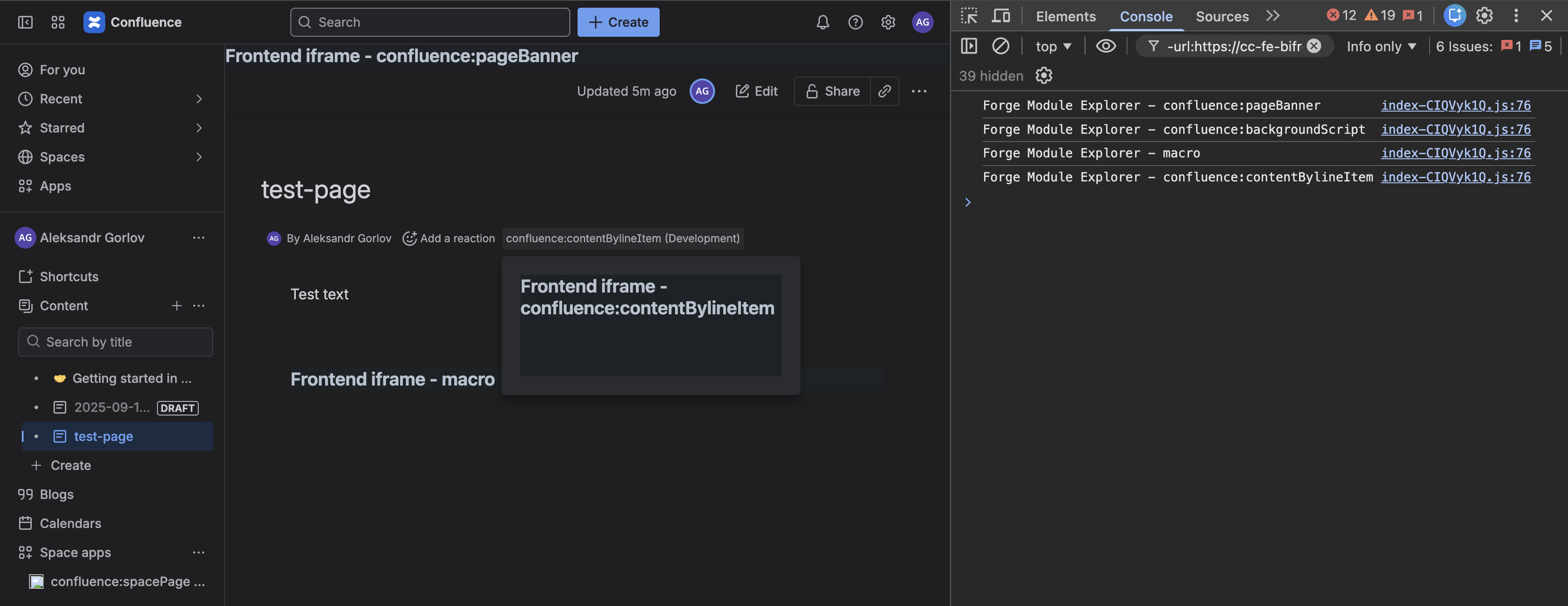
Each UI element is titled with the module key (e.g., jira.globalPage).
Clicking opens a stub page/modal saying Frontend iframe - <moduleKey>.
backgroundScripts log the module key via console.log
(e.g., Forge Module Explorer - confluence:backgroundScript).
Note: some modules require permissions (e.g., jira.adminPage).
Using
- Open the target Jira screen (Issue View, Project page, etc.).
- Check the screen, dropdowns, and DevTools console. Visible items = available modules.
Data note
This app does not modify Jira data; it only shows stubs and logs.